
Introduction
Owning a Nintendo Switch often leads to the question of whether extra storage is needed. Although the console has built-in storage, game file sizes keep increasing, and managing them efficiently becomes crucial. This guide will help determine if investing in a memory card is beneficial for your gaming habits.
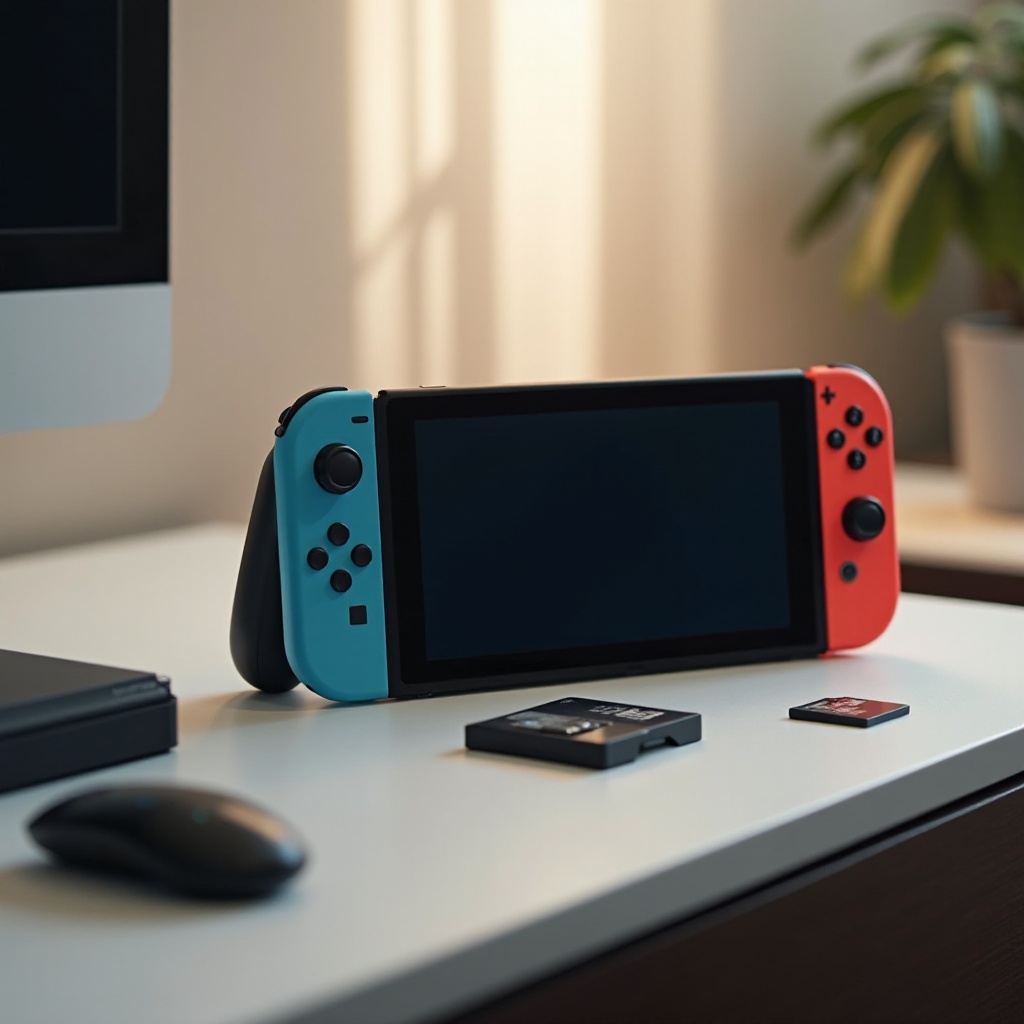
Understanding Nintendo Switch’s Built-in Storage
The Nintendo Switch comes equipped with 32GB of internal storage. While this may seem adequate if you’re using physical game cartridges, digital downloads, video captures, and updates quickly consume space. Knowing the limitations of your console’s storage is essential to decide what additional storage, if any, is required.
With more digital content becoming available and game files growing in size, many players find that internal storage isn’t sufficient to keep up with their gaming demands.
The Importance of a Memory Card for Nintendo Switch
An external memory card significantly improves your Nintendo Switch experience. It gives you the ability to download and store a diverse array of digital games without constantly worrying about space limits. This flexibility allows you to manage your gaming library effortlessly and enjoy different titles at your leisure.
Besides expanding your storage capacity, a high-speed memory card can enhance the console’s performance. Faster load times and quick access to games stored on the card create a smoother gaming experience, making every session enjoyable.
Types of Memory Cards Compatible with Nintendo Switch
The Nintendo Switch supports several microSD card types, including MicroSD, MicroSDHC, and MicroSDXC, each designed to meet various storage needs. To select the right card for your console, understanding the specifications is vital.
Well-known brands like SanDisk, Lexar, and Samsung offer reliable, high-speed options that cater to different budgets. Choosing a card bearing the UHS-I label ensures optimal performance for your Switch, making it a worthy investment for serious gamers.
Choosing the Right Memory Card for Your Needs
Consider your individual gaming habits when deciding on a memory card. For those who frequently download and play graphically intensive games, investing in a larger capacity card with fast speeds is crucial.
Several factors should influence your choice:
1. Capacity: Aim for a card ranging from 64GB to 512GB to accommodate diverse gaming needs.
2. Speed Class: Opt for UHS Speed Class 1 (U1) or Class 10 cards for standard operations.
3. Price: Strike a balance between affordability and performance.
Evaluating your current and future digital content plans ensures you select a memory card that prevents frequent upgrades, offering convenience and ease of use.
How to Install and Set Up a Memory Card
Installing a memory card in your Nintendo Switch is a straightforward process. Here’s how you can do it:
1. Turn off the console to prevent any data loss.
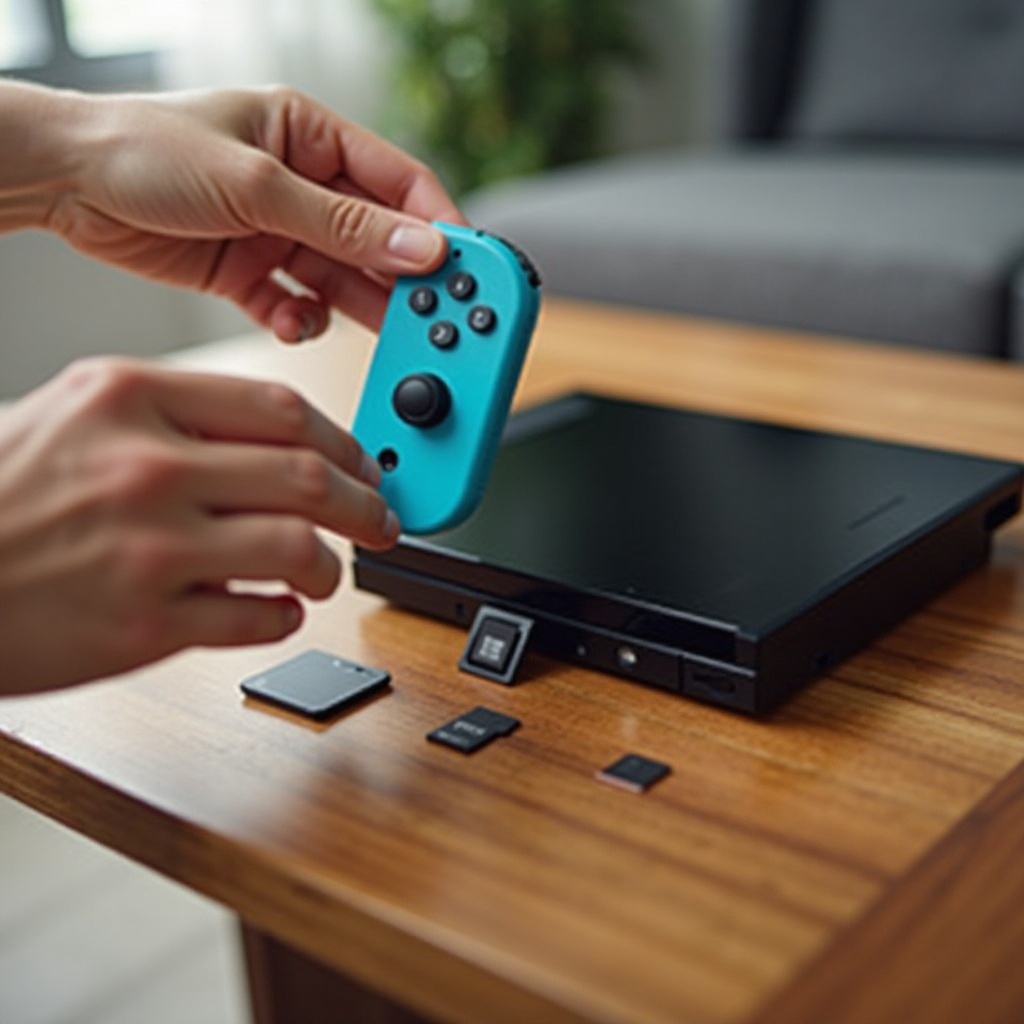
2. Find the microSD card slot behind the kickstand on the console’s back.
3. Insert the card with the metal connectors downwards.
4. Power on the console; the system will recognize the storage automatically.
5. Use the data management settings to transfer existing data if necessary.
Following these steps, you can enhance your storage capabilities with minimal effort, ensuring uninterrupted gaming fun.
Cost vs. Benefit Analysis of Investing in a Memory Card
While investing in a memory card might seem costly initially, its long-term benefits make it worthwhile. Having additional storage saves you from the hassle of continuously managing space and removing games to make room for new ones.
A suitable memory card provides peace of mind, allowing you to expand your gaming library freely and maximize your Nintendo Switch’s potential. The available options ensure a balance between cost, storage, and performance, meeting various user needs.
Common Concerns and Misconceptions
Fear of technical difficulties often deters gamers from purchasing a memory card. However, the installation is simple and does not compromise the console’s performance. Instead, it enhances the Switch’s capabilities by allowing for more extensive storage and efficient access to games.
Regularly back up your data and keep your console’s system software up-to-date to safeguard your information. Clearing up these misconceptions encourages informed decisions and enhances your gaming journey.
Conclusion
A memory card for the Nintendo Switch is more than just a convenience; it’s often a necessity as gaming needs expand. It ensures smooth transitions between games and offers the luxury to explore countless digital experiences without continual storage concerns.
Frequently Asked Questions
Can I use any microSD card with the Nintendo Switch?
Nintendo recommends UHS-I microSD cards for the best performance.
How much additional storage do I actually need?
This depends on your library size and purchase plans. Starting with 128GB is generally a good idea.
Does using a memory card affect game speed or performance?
A quality card will improve load times and enhance performance, making your gaming smoother.